Game Design, Programming and running a one-man games business…

Building a deterministic space auto-battler

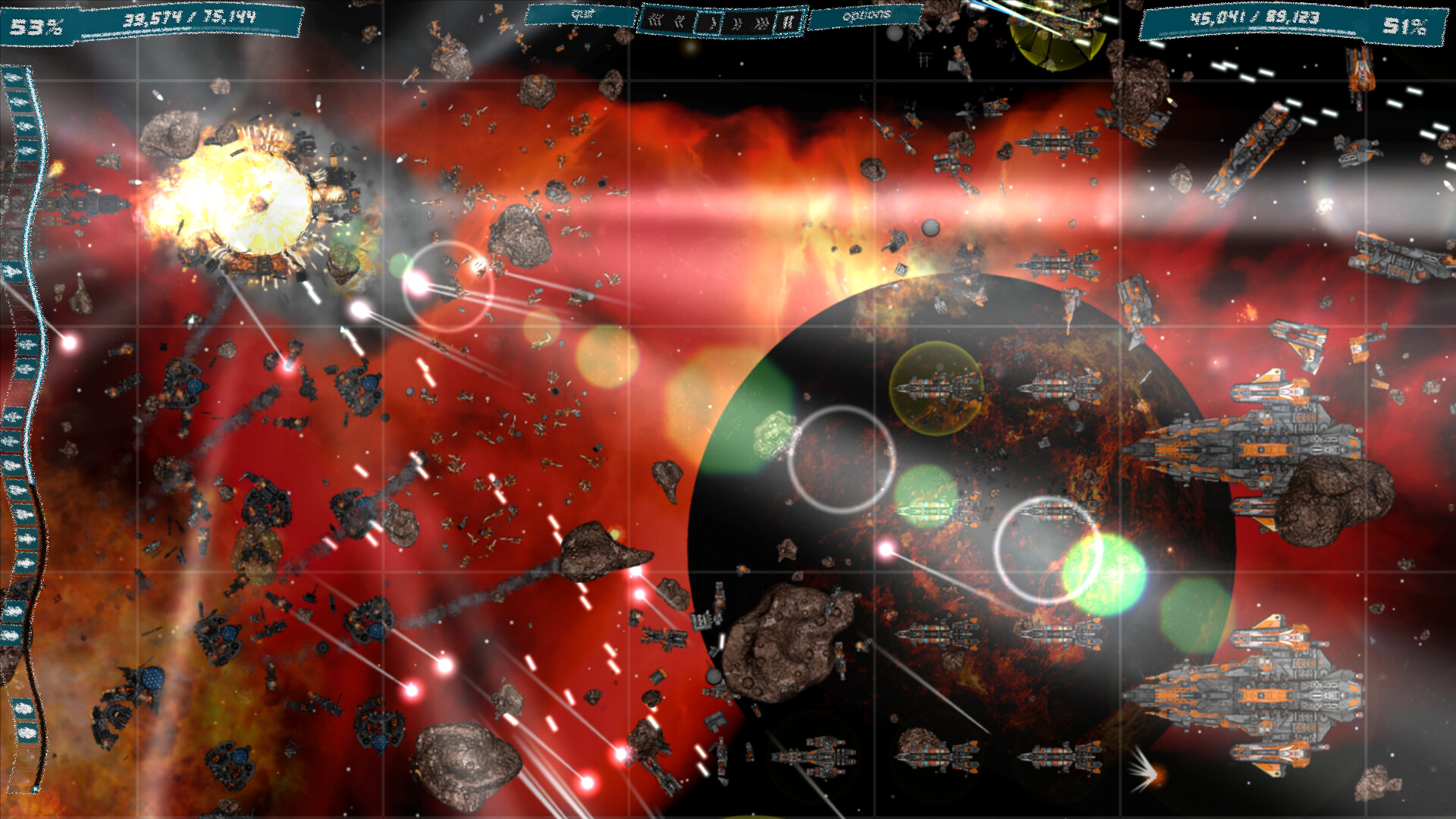
This was not part of the plan. When I made Gratuitous Space Battles, it was not a deterministic sim. Multiple runs of a battle could lead to slightly different results. It was not ideal. And I was not even thinking about it with Ridiculous Space Battles, until I started to do balance testing and started designing campaign levels. And in that testing I started to really appreciate how infuriating a lack of determinism was. That was more than a week ago. Maybe two weeks…

To explain: Ideally if you do two battles in RSB with the exact same deployments, you should get the same result. Not just victory or defeat, but the exact same score. This is is the whole core of the game. The smaller the fleet you win with, the more points you score. So running the whole battle again with just ONE less squadron, is definitely worth it for the meta-game (and bragging rights). But that might mean fielding 99 squads instead of 100. In other words, the game has to be accurate down to that 1%, and actually that means 100% deterministic.

Here is the problem. A missile fired from a frigate drifts 0.0001 units to the left compared to the previous run-through. That means it actually hits its target VERY slightly later, but that ‘later’ means just *after* its target fires its massive mega-gun that takes out a crucial enemy cruiser. Without that cruiser, the fleet will narrowly lose. With it, the fleet will narrowly win. So that missile MUST hit its target in the exact same frame, every time…

…and its worse. That missile might even be a dummy missile. It might even miss! it does not matter. Because in theory that 0.0001 units means its the nearest target for a point defense laser, or not. That could still lead to a chain of events that results in the whole outcome of the battle being changed. In practice, if you want the outcome of a big battle to be predictable, and repeatable you need a 100% deterministic simulation. Thats not 99.99999% deterministic. Its absolutely 100%. And that is… hard.
I’m not a n00b coder. I know this problem is hard, AND I know in theory how to avoid it. Have a constant simulation rate, and detach the frame rate from the sim rate. Do not use any truly random numbers, but precalculated ones based on a fixed random seed. You can use true randoms for UI, but never for the sim. The sim is the sim. The UI is the UI. They never get confused. Simple right? And I am sure coders who haven’t worked on it before already think its an afternoon’s work. It is not!

It would have been WAY easier if I had worried about this right at the start of coding the game, but I did not, and so I had to take a huge existing game and MAKE it deterministic, and its taken weeks and I’m not yet 100% sure I’ve cracked it. I have definitely made it much better, but am I at 99.99999% or 100%? Lots of testing tomorrow will answer that for me. But briefly, this is what was involved:

Step 1 was to move from a variable frame rate (capped at 60 fps) to a dual system where the sim runs at a constant interval, but the frame rate is independent. This is complicated by the fact that the game has 5 speeds, from 1/4 speed to 4x speed. Actually to be fair this part of the work was quick and easy. I still have a ton of macros in the code referring to SIMTIME that actually should now just be ‘4.0f’, but thats the beauty of macros. There was a fair bit of find/replace to change a lot of calls in the code to either use SIMTIME or FRAMETIME, but that was simple. Now every tick assumes 4ms has passed, and the ratio of ticks to frames simply depends on the current game speed. This does mean I have kind of lost the ‘frame-smoothing’ for when the GPU is under more or less strain, but TBH the game runs so fast its ludicrous anyway, and for super low spec GPUs the game has a ton of graphics detail settings.

So that sim/graphics decouple was a big step, and an easy step, but after that the real problems began. Basically there were mistakes somewhere in the code. There were circumstances where things drifted out of synch, and it took a ton of detective work to find them all. Things went much quicker when I realised there was no escaping just writing a big ‘Determinism’ class that analysed data across two runs. I made a ton of mistakes here, and they are stupid, but thats coding for you :D. The most embarrassing one was this: I collected a TON of information for every tick, in huge arrays, and then on the second playthrough, I built a second bunch of arrays and kept cross checking them to spot errors. Sounds reasonable right?

Firstly like a muppet, I was checking for ‘drift’ of values every frame, but storing all this data a second time. Stupid. I only need the PREVIOUS playthrough’s data. I just need to collect *this* frames data, and compare against the past. But thats a ‘current-frame’ snapshot. I don’t need to store that! Secondly I was stupidly searching for a matching tick’s data in the previous playthrough. Madness. I KNOW what tick we are on. I can just index it, and do a super quick compare ffs…

You might think thats stupid worrying about optimisation in pure-debug code…but this is a 32 bit app, so limited to 2GB (or maybe 4GB depending on settings), and although my game stays nicely at about 6-700MB, storing 80,000 frames of simulation data for every ship, missile, drone, mine and bullet very rapidly hits that limit. I needed super comprehensive simulation snapshots, but memory-efficient ones. This proved tricky. You might think ‘store everything’ but trust me, its just NOT an option for a long, large battle with this level of complexity and 240 ticks a second (60fps but possibly 1/4 speed so 240 sim ticks per second).
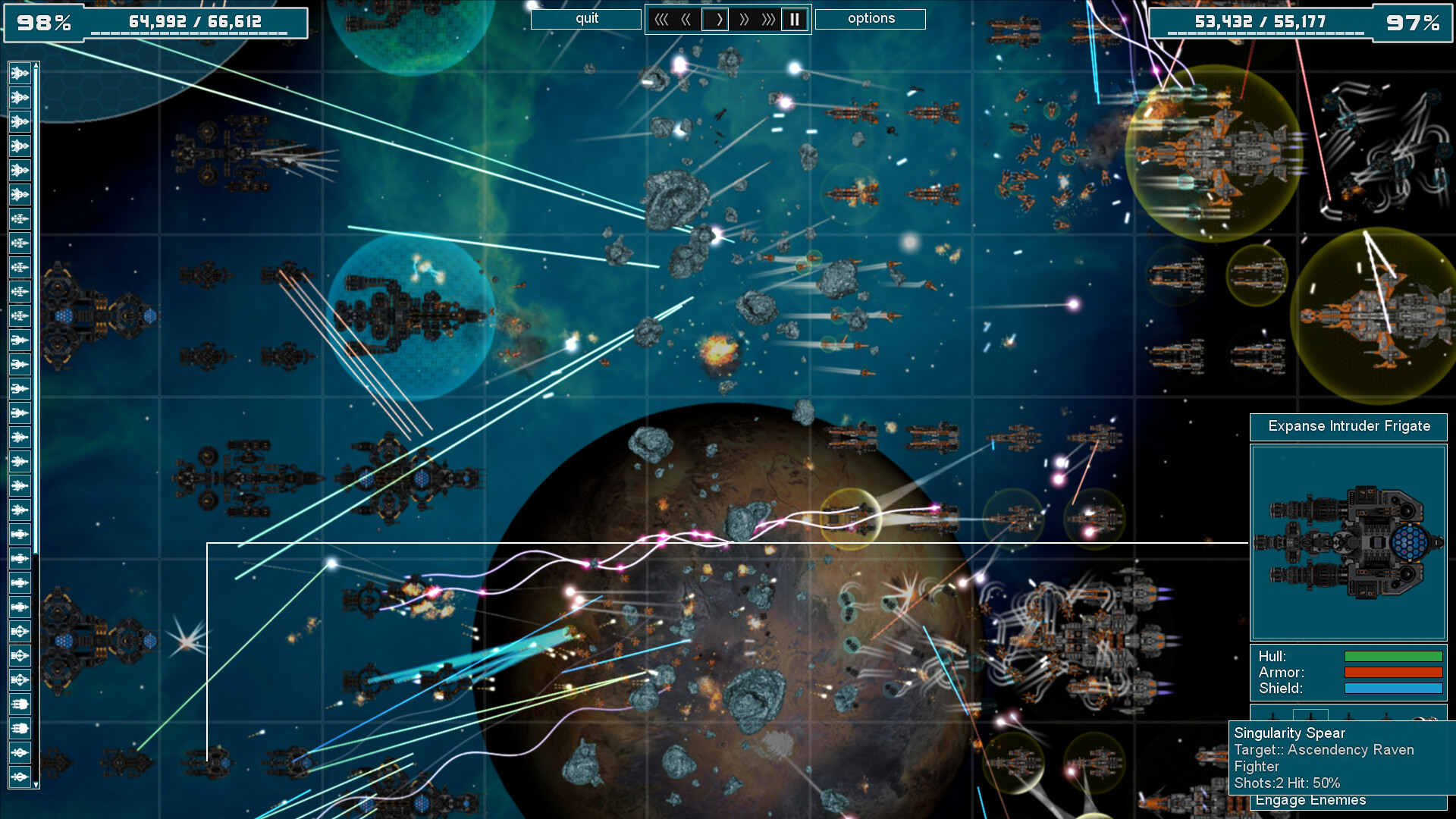
Oh BTW if you think ‘cliff that’s dumb. At 4x speed you still only need 1 tick, just make it a tick thats 4x as long’. NO. This is because in code, a missile moves every tick. If it hits the target, stuff happens then, and in the following ticks. If you bundle 4 ticks into 1, then the missile ‘hits’, but nothing else, whereas it may hit in tick 1, and then ticks 2,3,4 the affected shield slowly regenerates. In other words my sim is discrete tick based, not variable time equation based. Its just simpler this way :D.

So what other really stupid mistakes took me days to sort out? Well they are all kinda dumb, but in a code-base this big, I think I should cut myself some slack. And actually in TWO of the big cases, in the back of my mind I knew as I coded them that they were flaky as hell. Normally my code is VERY cleanly split between simulation and graphics. In fact all my classes are called SIM_Thing or GUI_Thing, to make that super clear, and make sure I don’t do anything dumb like change the sim from the GUI, which would be really bad software engineering that obviously I shouldn’t do and obviously I did in two places :D.

The first one was a bit obscure. When ships ‘escape’ the battle, they quickly zap off the screen like they are entering hyperspace. To make it seem cool, every ship zaps-away at a slightly different speed, because then it looks like the rebel fleet going into hyperspace in return of the jedi… And thats all well and cool, but it used a proper random number in the GUI code, and at the end of the warp-jump, it then told the SIM the ship had escaped at last… What terrible code. This was the GUI setting times for the SIM. Madness. And a determinism destroying bug. Very rarely that extra 50ms was long enough for an enemy ship to get just one extra enemy-destroying shot off…

The second one is even more obscure. I have classic graphics-distorting shockwaves when big ships explode. They look cool, AND they also move debris, hulks, escapepods and (it turns out) missiles, slightly in space as the ‘wave front’ hits them. I coded this with the GUI determining what SIM objects to move when… because it was way easier. I know in the GUI code the radius of the shockwave, so I can detect anything I need to move in the GUI code, and apply a physics force to them. The trouble is…thats the GUI lecturing the sim again, and because speeds can vary we cannot ensure the sim tick / frame rate ratio, which means in one playthrough a shockwave moves a missile maybe 4ms before another playthrough, and that tiny difference is determinism-destroying. For now, I just stopped missiles reacting to shockwaves. The rest is just UI and doesn’t matter.

So thats where I am now. I have run 6 consecutive tests on 2 different (smallish) levels, and its 100% deterministic. It was HARD. All the mistakes were dumb ones by me, which is basically the definition of coding alone. It took a lot of detective work, and really focusing on the very first deviation from known values to track it all down. (There were many other minor causes). One of the side effects of working so hard on all this is that it really has reminded me how much I love the TV show devs. Which if you have never watched… why the hell not?

Auto-balancing and load-testing Ridiculous Space Battles

Its been a while since I blogged… Anyway I have not been completely idle. As well as booking a long-desired holiday to CHINA (oh yes!) I have still been working on this weird project that I cannot decide if its a retirement hobby or a proper serious game launch, and that would be my pretentious re-imagining of Gratuitous Space Battles, which I am appropriately calling ‘Ridiculous Space Battles’.

The game is very playable right now. It has a ton of content, and it runs great, and it looks fab. But it does not have data for the campaign games, and does not have the challenge system coded into it yet. I might at some point decide to put the challenge system off for a bit, and release it with skirmish and campaign games into Early Access. I really do keep changing my mind on that. This game has been very cheap to make, and I am under no pressure to release, so to be honest it feels kinda weird being able to do anything I like with it!

Anyway, something I have always wanted for my games was a pre-release debug build functionality to have them run hundreds or thousands of games and automatically provide data that would let me balance the initial stats before actual humans start to play it. Now if you are a relatively new developer, its easy to just sling out lines like “Yeah just code a headless mode that randomly designs ships and fleets and have them fight each other a million times to collect stats”. This is the sort of thing swaggering indie devs throw out in a reddit thread as advice, as though that single sentence contains all the required skill, code and effort.

Its not that simple.

Now if you have a much simpler ‘problem-space’, then it gets massively easier, but just the process of coding random ship designs and random fleet deployments is a major engineering effort in itself. Getting the game to be able to put together a ‘legal’ in game-terms design isn’t too tricky, but ensuring it produces sensible designs is another things entirely. There is nothing to stop the entire deployed fleet consisting of a hundred ships that only have anti missile defence weapons and zero offensive capability, for example. That would be a valid fleet design, but useless for auto-balancing. Worse, it would imply in the stats that missiles are useless, without the caveat of ‘yup but that strategy can never win a battle’.

Its a massive minefield of issues like this, an frankly I have not addressed any of them yet. My current code designs each ship in a fleet individually right now, so the chances are such anomalies would be highly unlikely. However, the point stands that a ‘random’ fleet design is not ideal. And thats before we start placing those ships in formations, and assigning orders to them based on their designs. I’ve done a bunch of wok on that, but its still not ideal.

The actual easy bit was the stats collection and amalgamation into a nice spreadsheet at the end. My game is very stats-based (its an auto-battler after all), so the code to track all those stats was already in game. What took a bit longer was the wrapper code to run through a battle with a random fleet, record stats, and then do the next battle. This *sounds* easy, but when a game has been designed on the basis of the user clicking buttons, circumventing that without errors can be buggy. I didn’t just simulate mouse clicks because I needed to totally skip the deployment UI for each battle. Otherwise I am flushing a ton of textures and loading a whole pointless UI between every battle, slowing down the auto-run process.

The real delay in this stuff has been two-fold. I need to code some sort of basic genetic algorithm for ship design, and I also encountered loads of bugs. Lets do the bugs first. Its easy to think ‘dude, you shouldn’t have bugs in your code’, but harder to make that a reality when you have a game as complex as RSB. There are over 720 source files for the game and the same amount again for the engine, and the code is fiendishly complex. Plus the actual GAME is fiendishly complex. For example, I encountered a crash bug while typing this (The game was churning auto-balance in the background). It was a crash bug where the game lost focus, then recovered focus (I had moved to another window), and it crashed in the shader for Target Painter weapons.

You might think ‘what a noob, you obviously dont re-init your shaders’, but nope, I do. This is obviously something specific to THAT shader. I have tested the game a lot, but apparently never alt-tabbed away exactly when the game was drawing a target-painting effect. Given how many different systems and visual effects the game has, its no wonder I have not churned through all the possibilities yet. This is one of the major benefits of writing this autobalance code. I am soak-testing my game, running thousands of battles and trying every permutation possible, and it throws up a ton of asserts and warnings and crashes, all in obscure and exciting places. I DO test new features when they are added, but testing them in every permutation of battle is impossible. I’d need 50 people working in QA.

So the last aspect of all this is genetic algorithms. I intend to try a bit of this but no go mad. Right now, I can only tell if ‘fast missiles’ are overpowered by looking at the amount of damage they do, over 100 battles, compared to their cost and weapon module size. If they DO look a bit overpowered, then maybe they should be selected more, to assess whether they are clearly a super-weapon, or if thy just happened to always get matched against fleets that had poor missile defence. Perhaps I need a system that takes the top ten weapons from the previous 100 games and biases towards them so I can concentrate on collecting data for them. Perhaps also do the same with the BOTTOM ten weapons so I can see if they were just badly represented due to random match-up.

And of course all of this is ignoring non-weapon modules. I should probably test the ‘survival rate’ or ‘survival time’ of ships with each armour and shield module or other defensive module like a decoy projector or cloaking device. Maybe these are hugely overpowered? I have not even begun to look at that yet.

One piece of excellent news though. My game is VERY good at pruning its memory usage and definitely has no leaks. I’m watching the area chart in the visual studio debug view as I type and its currently using 234MB (lolz) and rarely goes above 400MB in big battles. This is a vast improvement on my other games, or early builds of RSB that were leaky.

So there you go, I AM still coding, but not in a hurry, and I hope the end result is worth it :D. Don’t forget to add RSB to your steam wishlist if the game sounds interesting to you!

Ridiculous Space Battles Progress

Ok so, I know this is probably not a big deal, or a new thing… but I have spent so long with this blog casually embedding youtube video links, that it took until today in 2026, and my desire to do what I can to de-couple my life as much as possible from US tech companies for me to discover that you can just natively embed an mp4 in wordpress! So anyway… I present the new race-selection screen animation effect in Ridiculous Space Battles!

and yes… before you comment, I know there is a bug with a texture changing wrongly when I scroll to the left. I’ll fix that tomorrow! I am however, pretty happy with this code, and this look. Coding stuff like this is harder than it looks, because to have everything seem smooth and crisp, you have to basically render all of those windows to an offscreen copy (with alpha) and then copy them as scaled sprites to the screen. That sounds simple, but its a lot of management, as you keep swapping render targets, and have to very smoothly transition from ‘offscreen pre-rendered sprite’ to proper rendered and full featured window.

Trust me, its a pain. It took a whole weekend. Well… it took all the hours I worked this weekend (which was not a lot TBH…). Anyway, that is one new thing that is in Ridiculous Space Battles. Another change was the re-colouring and some adjusting of the deployment screen to make it more user-friendly and less BRIGHT COLORS:

This definitely looks better. You can also see that the range indicators from my last blog post are in there with less angry colors too. The next big thing on my list is to balance the various weapons, and in fact before that, I need to code systems that really quickly run a lot of battles super-fast for me to gather stats. That will be a whole rabbit hole of code, but should be fun.

So to recap, the things left to do before early access or alpha-testing are to balance the modules, to put together the campaign fleets, to test the campaign, and to implement and test online challenges. No doubt lots of bug fixes and optimisation to do too, but I love the optimisation bit :D.

Coding a load-balanced multithreaded particle system

Background: I am coding a 2D space-based autobattler with ridiculous levels of effects called ‘Ridiculous Space Battles‘. I code my own engine, for fun, in directx9 using C++ and Visual Studio.

Because I love coding, yesterday I found myself wondering how well the multithreading in my game was holding up. So I fired up the trusty Concurrency Visualizer in Visual Studio. I love this tool and have used it a lot on previous games. One of the biggest demands on the CPU for my game is particle processing. There are a LOT of explosions, and other effects, and a crazy number of particle emitters (thousands of emitters, hundreds of thousands of particles). Obviously this would normally be a code bottleneck, so I have a task-based generic multithreading engine that handles it. The main thread builds up a bunch of tasks, the threads grab the next task on the list, and the main thread will wait until the task list is empty. If there are still tasks in the queue, the main thread will do one as well. So how did things look?

Disastrous!

So what is going wrong here? I have a generic ‘marker’ set up to show the span of the main thread’s drawing of the game (GUI_Game::Draw()). Inside that, a bunch of unlabeled stuff happens, but I added spans to show when the multithreaded task called UPDATE_PARTICLE_LIST is called. There are two massive things going wrong here. Firstly, there are only two other threads joining in to process the particles, and secondly one of those updates seems to take 20x as long as the other. Worse still, its the one the main thread chose… so its a huge bottleneck. Technically this is still a speedup, but its marginal. How have I fucked up?

Some background to my rendering algorithm is needed: The game has 2 blend modes for particles. A ‘Burn’ mode, that saturates color and is used for fire, lasers, sparks etc, and a ‘Normal’ mode for smoke and debris etc. The particle effects are batched as much as possible, but I cannot mix those blend modes in a draw call. Also, some particles are below the action (the ships) and some above, to give a semi-3D look and make it look like the explosions engulf the ships. So this means particle emitters fall into one of 4 lists: NormalBelow, BurnBelow, NormalAbove, BurnAbove. This is all fine and works ok. In action, the game looks like this:

Because you can freeze frame and scroll around, everything has to be properly simulated, including particle effects currently offscreen. Anyway it all works, and I have FOUR particle emitter lists. So naturally, to load-balance everything, I gave one list to each thread and considered the job done.

BUT NO.

It turns out that those 4 groups are not equal in size. They are laughably unequal. The ‘BurnAbove’ list contains all of the fire and spark emitters on all of the pieces of all of the hulks from destroyed ships, plus sparks from fiery plasma torpedoes, expended drone explosions, and missed or intercepted missile explosions. Thats MOST of the particles. When I checked, about 95% of particles are ‘BurnAbove’. I had 4 lists multithreaded, but they were not vaguely really load balanced.

Once I realized that the solution was theoretically easy, but fiddly to implement and debug. I decided I would add a new load-balanced list system on top. I created 8 different lists, and when an emitter was created it was added to the ‘next’ list (the next value circled round through all 8), and told what list it was in. When it was deleted, it was removed from the appropriate list. Note that ‘deleted’ is a vague term. I delete no emitters, they get put into a reusable pool of dead emitters, which complicates matters a lot…

So in theory I now have a nice load-balanced series of 8 lists that contains every particle emitter that is currently live. The original 4 lists are still valid and used for rendering and blend mode data, but this ‘parallel’ list system existed alongside it, purely to handle load-balancing. What this means is, that a load-balanced-list may contains particles from all 4 render groups, but this does not matter as I am running update code on them, not rendering!

It didn’t work.

Crashes and bugs and corrupt data ahoy. I worked on it for ages, then watched a movie to try and forget it. Then this morning, after some digging, it was all fixed. What actually was going wrong was related to smoke plumes. Because there are a lot of smoke plumes, and they always reuse the same particle config data, they exist in a separate system, updated separately. I had forgotten this! And what was happening was my new load-balanced lists stupidly included these emitters when they should have been kept out of it. The emitters would expire and be deleted in the multithreaded code, then later accessed by the plume code. CRASH.

I worked it out this morning before breakfast! I was very pleased. You might be thinking, what about the only 2 threads thing? LOL I had hard coded the game to use maximum of 4 threads, probably as a debug test. Idiot. I just changed it to be 10 and everything worked:

This is more like it. I wasted ages trying to get the dumb concurrency visualiser to show my custom thread names instead of ‘Worker Thread’ but apparently thats the category. Not much help. FFS show us the thread names! (They work in the debugger). But anyway, that image above is a snapshot inside a busy battle for the GUI_Game::Draw() showing how UpdateParticles tasks get spread over 8 threads. I’m still not sure why that sixth thread misses out on a task, which gets nabbed by the main thread…

Anyway, the point is it works now, and in theory updating particles is 8x faster than it would be with single threading. I do need to apply the multithreading to a lot more of the game code to get the best possible results. I am testing this on a fairly beefy GPU and CPU (Ryzen 9 5900X 12 Core @3.7GHZ and RTX 3080) in only 1920×1080 res. I want the game to look awesome at 5120 res or on a five year old cheap laptop, so plenty more to do.

If for some reason this tips you over the edge to wishlist the game, here is the link :D.